KeyCapy trailer and screenshots
Updated
The official pictures of KeyCapy are a launch trailer and nine Steam screenshots. They show a keyboard workshop and capybara clients. They are not a playthrough, and they are not a parts manual. The full game is still unreleased. See Release date before you treat any UI number in these shots as a price you can pay on Steam.
The trailer
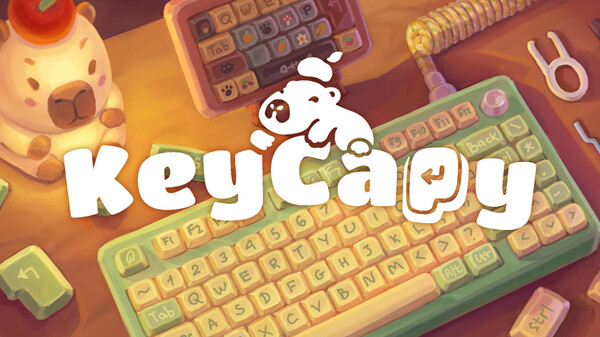
Steam lists one movie, id 257491890, named Announcement Trailer. Its thumbnail is the illustrated desk also used as the store header: a capybara lamp, tools, a mint keyboard, and the KeyCapy logo. The media timestamp on that trailer file is 10 November 2026, 15:44 UTC. The official site embeds the YouTube video whose public title is “KeyCapy - Official Announcement Trailer,” on the channel KeyCapy. The YouTube id is the one in the homepage embed. Developer and links has the channel and the watch link.
Building, in the screenshots
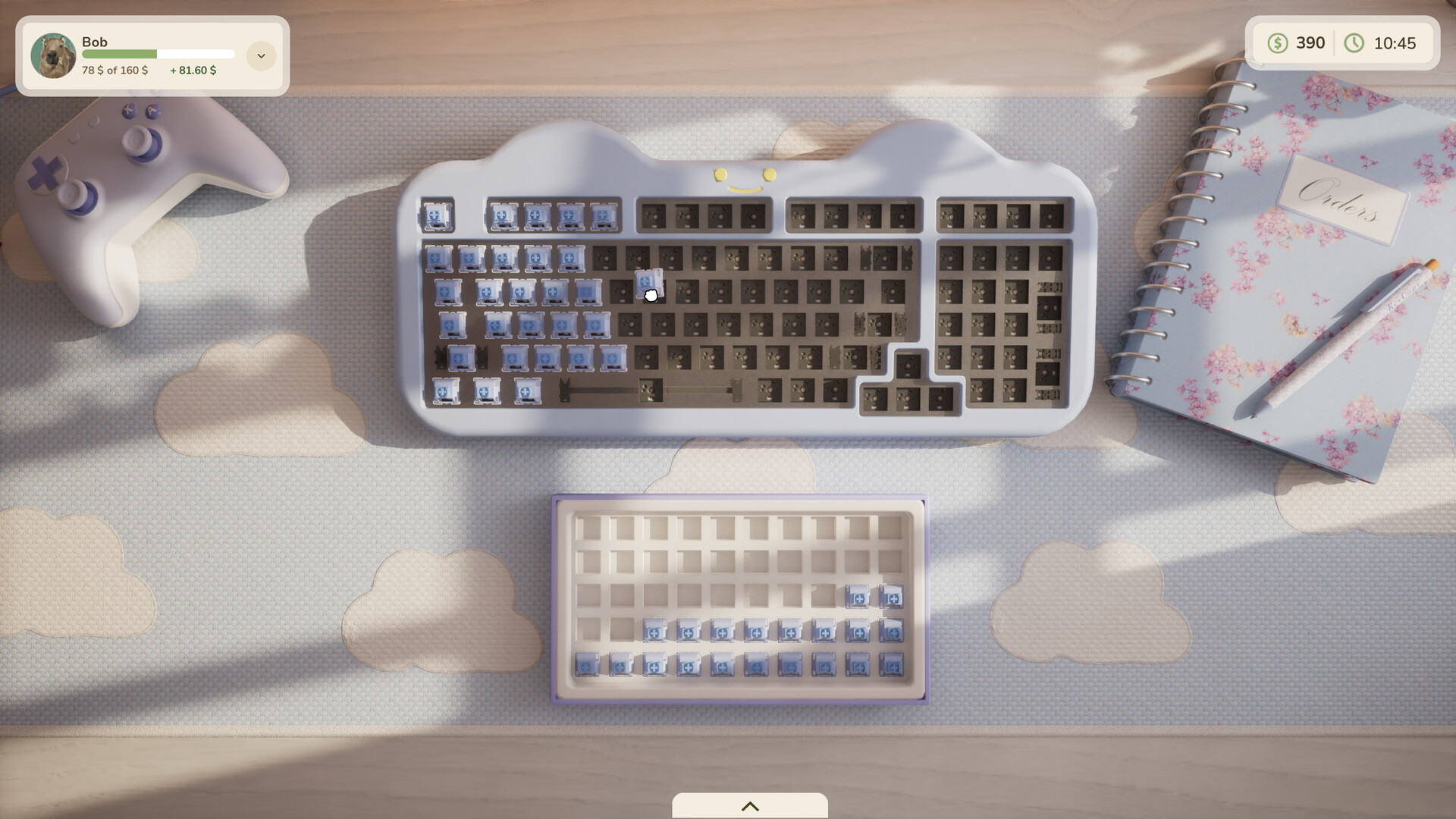
Three shots are about the bench rather than the room.
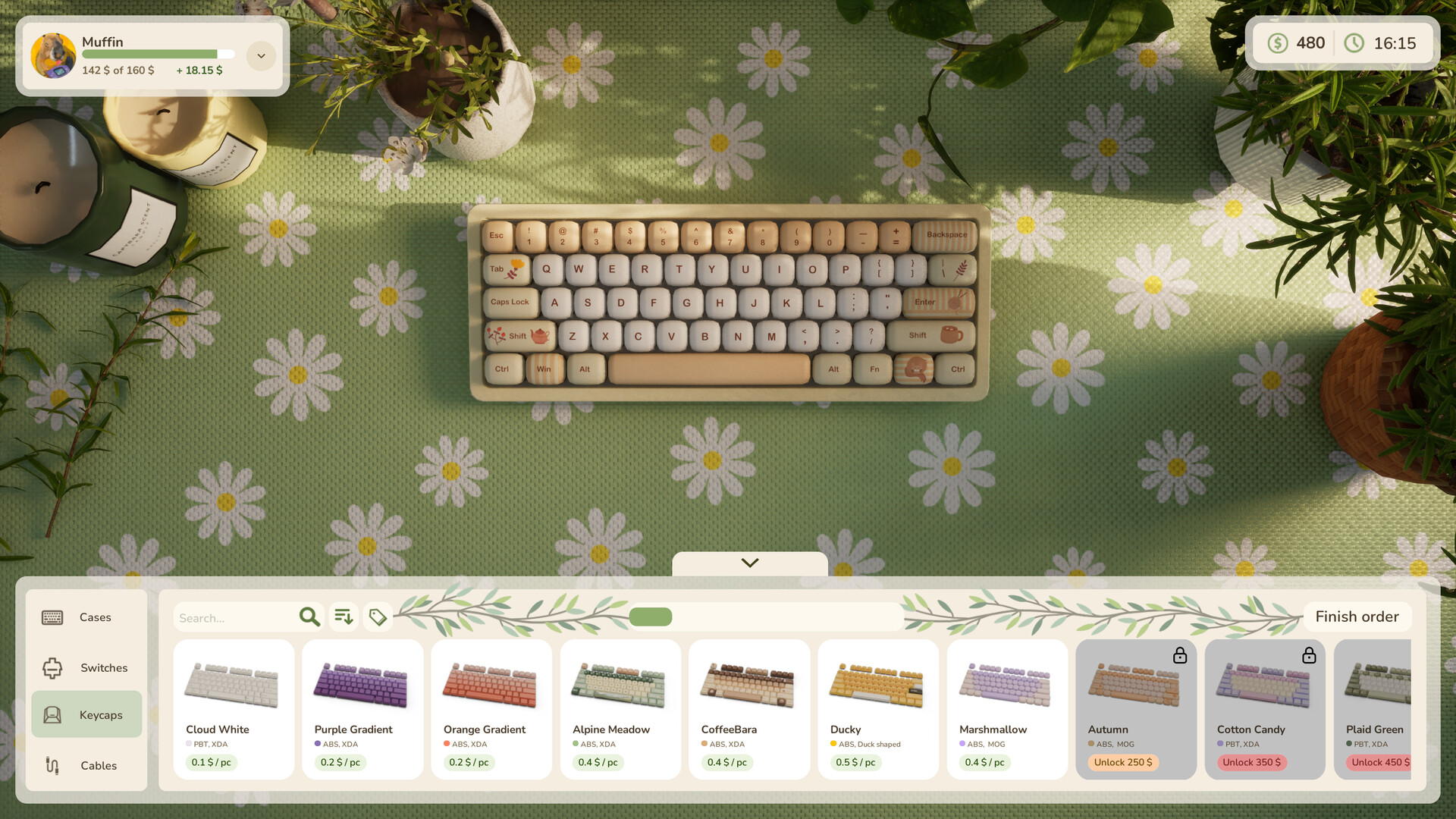
The picker labels are worth one caution. Press articles repeat those names. The names are really on the official screenshot, so a caption can say so. A stat block for each set would go past the image. What KeyCapy is stays with the announced categories: cases, switches, keycaps, layouts, and profiles.
Clients on screen
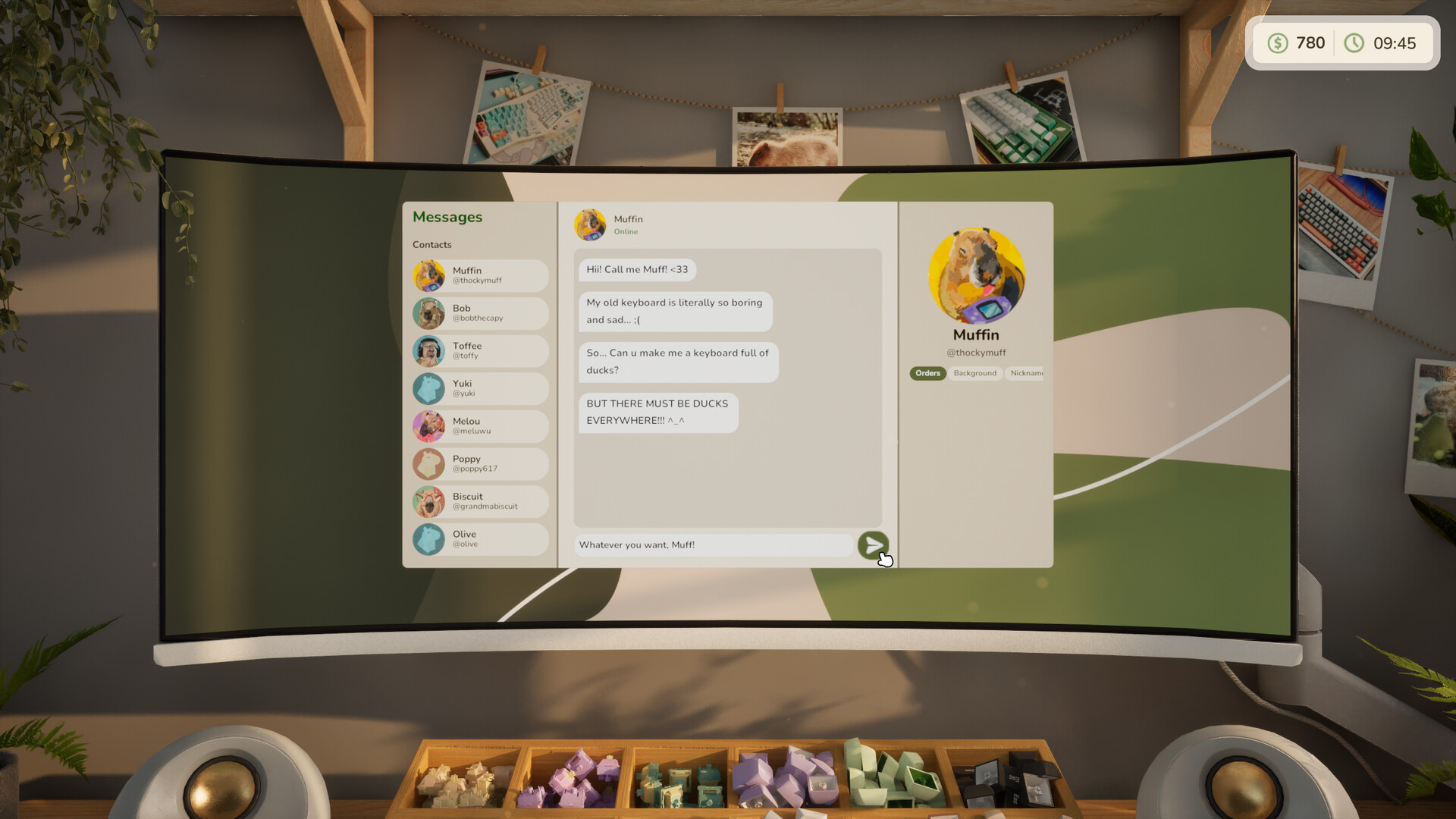
Client cards on the other shots use the same pattern: a portrait, a name, a filled bar with a money-like total, and a separate counter in the top corner next to a clock. Names readable that way include Toffee and Biscuit, below. The amounts belong to the screenshot. They are not the Steam price, which is unlisted.
Desks, light, and props
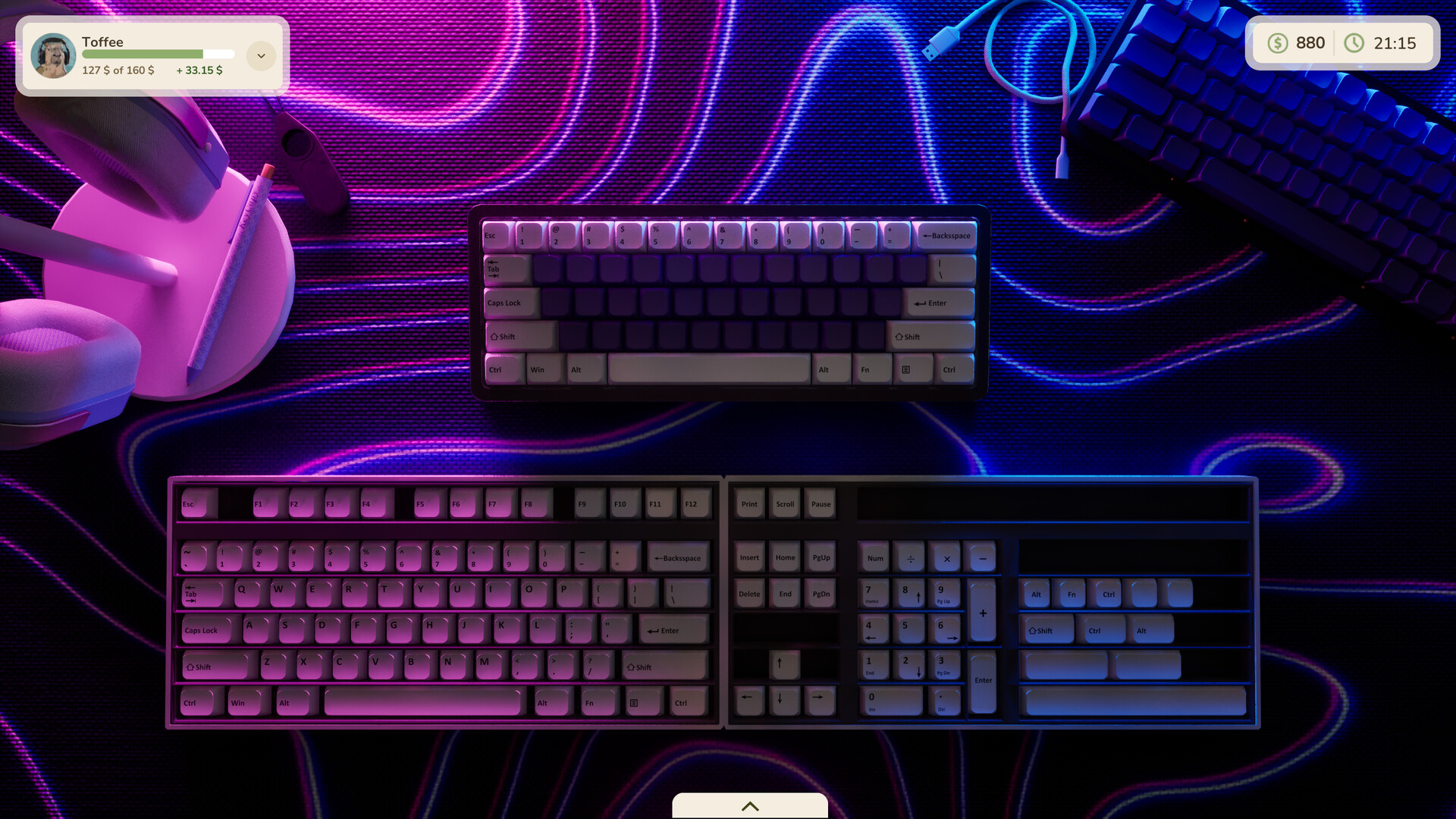
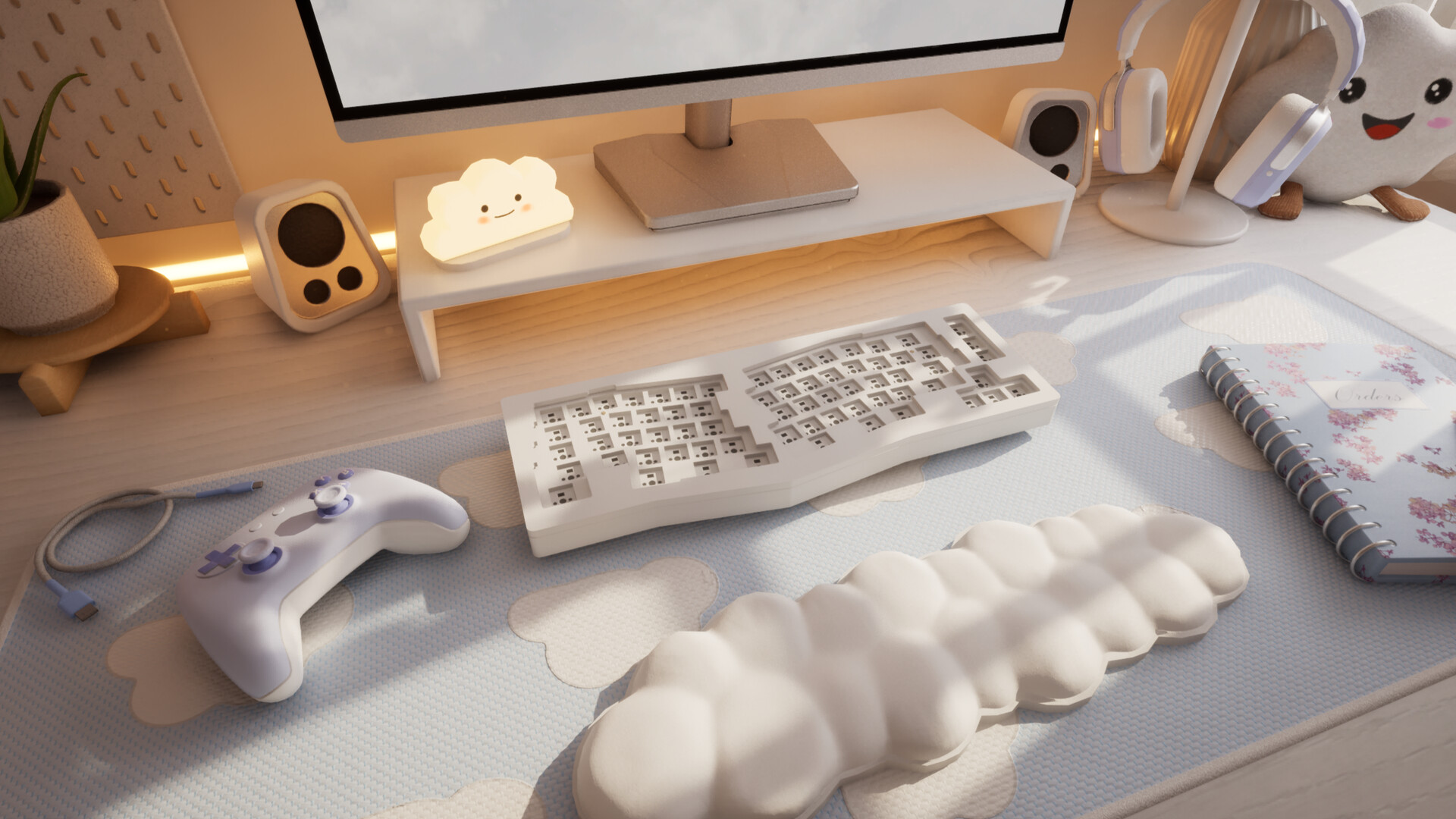
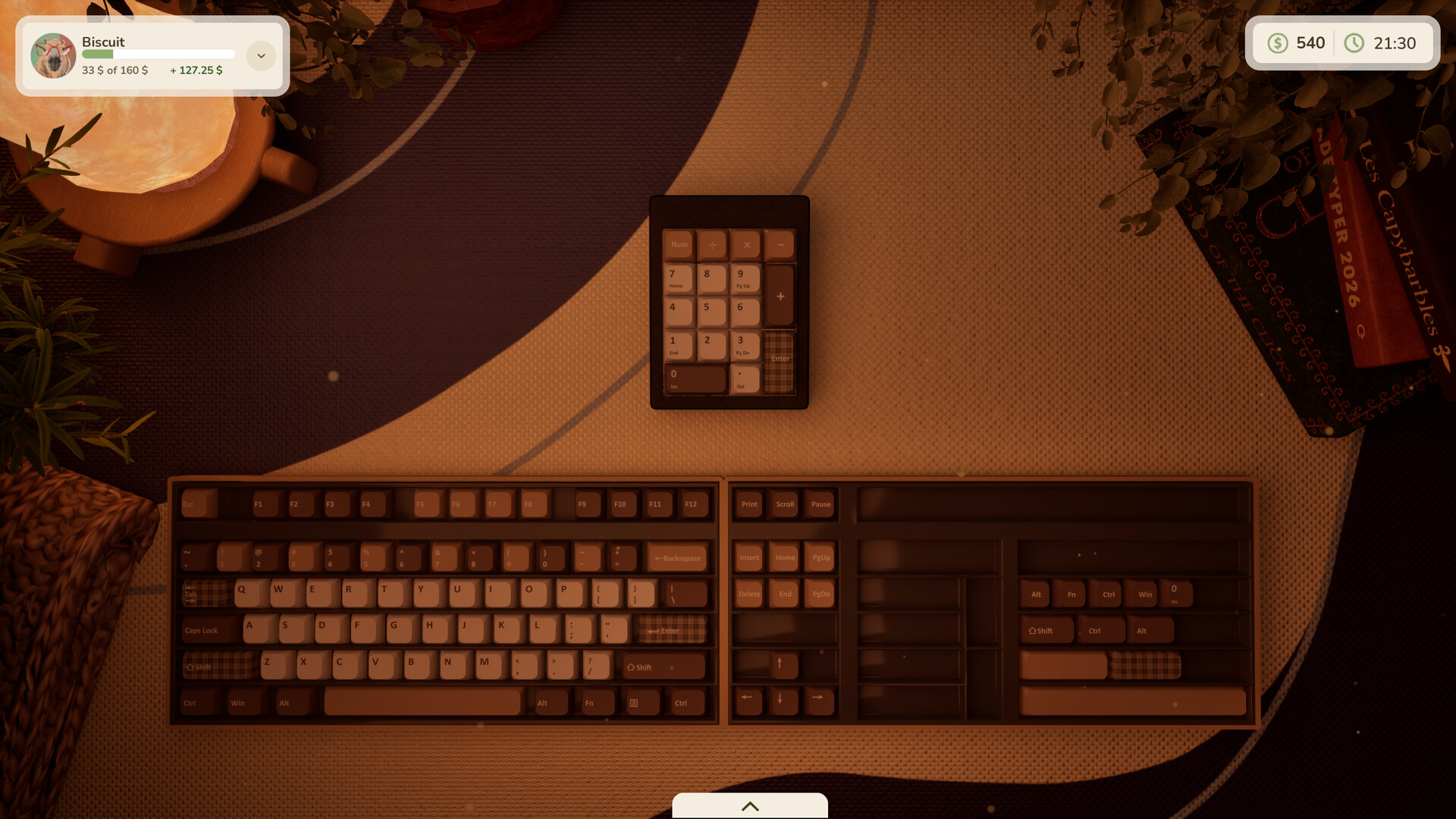
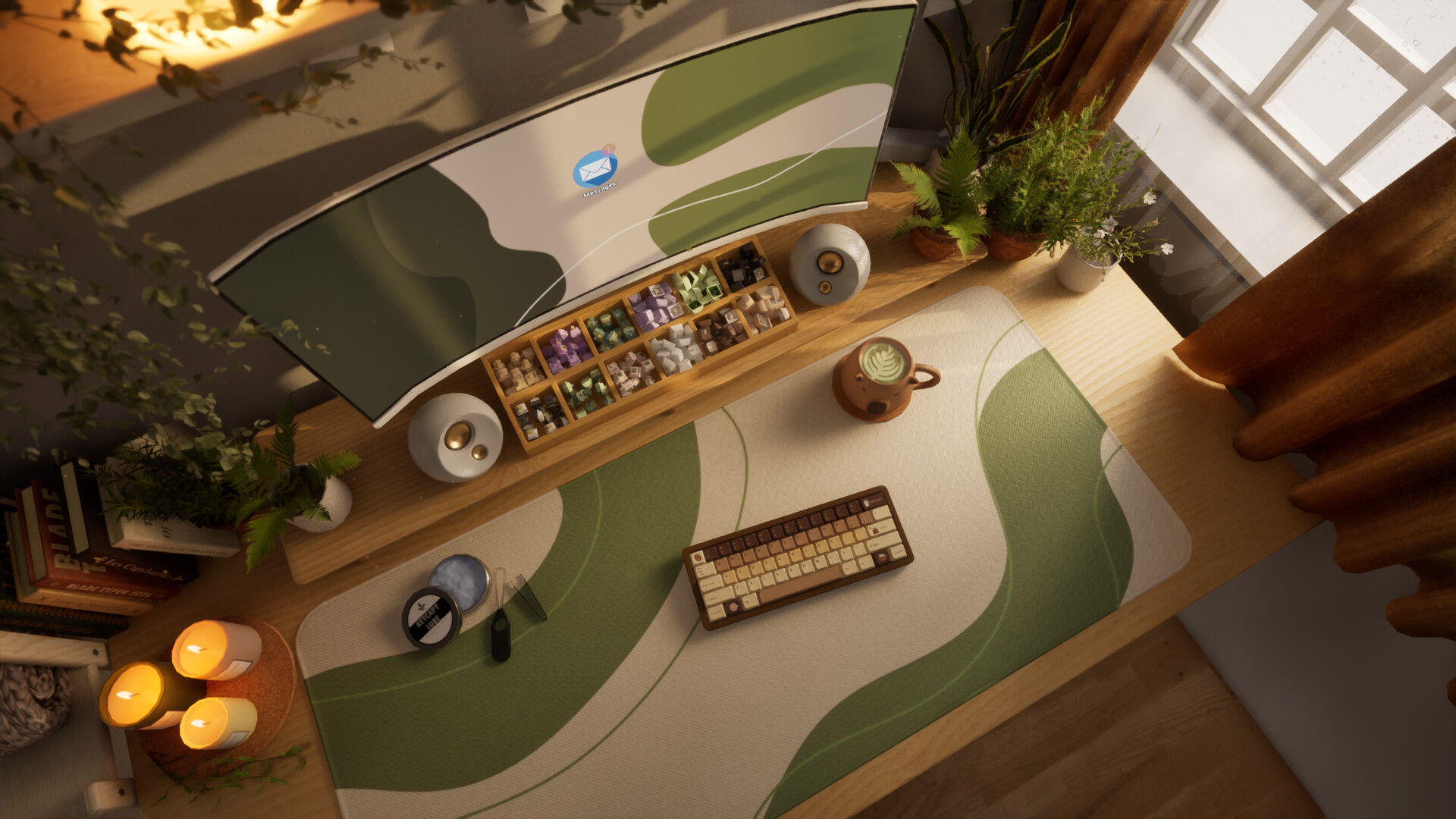
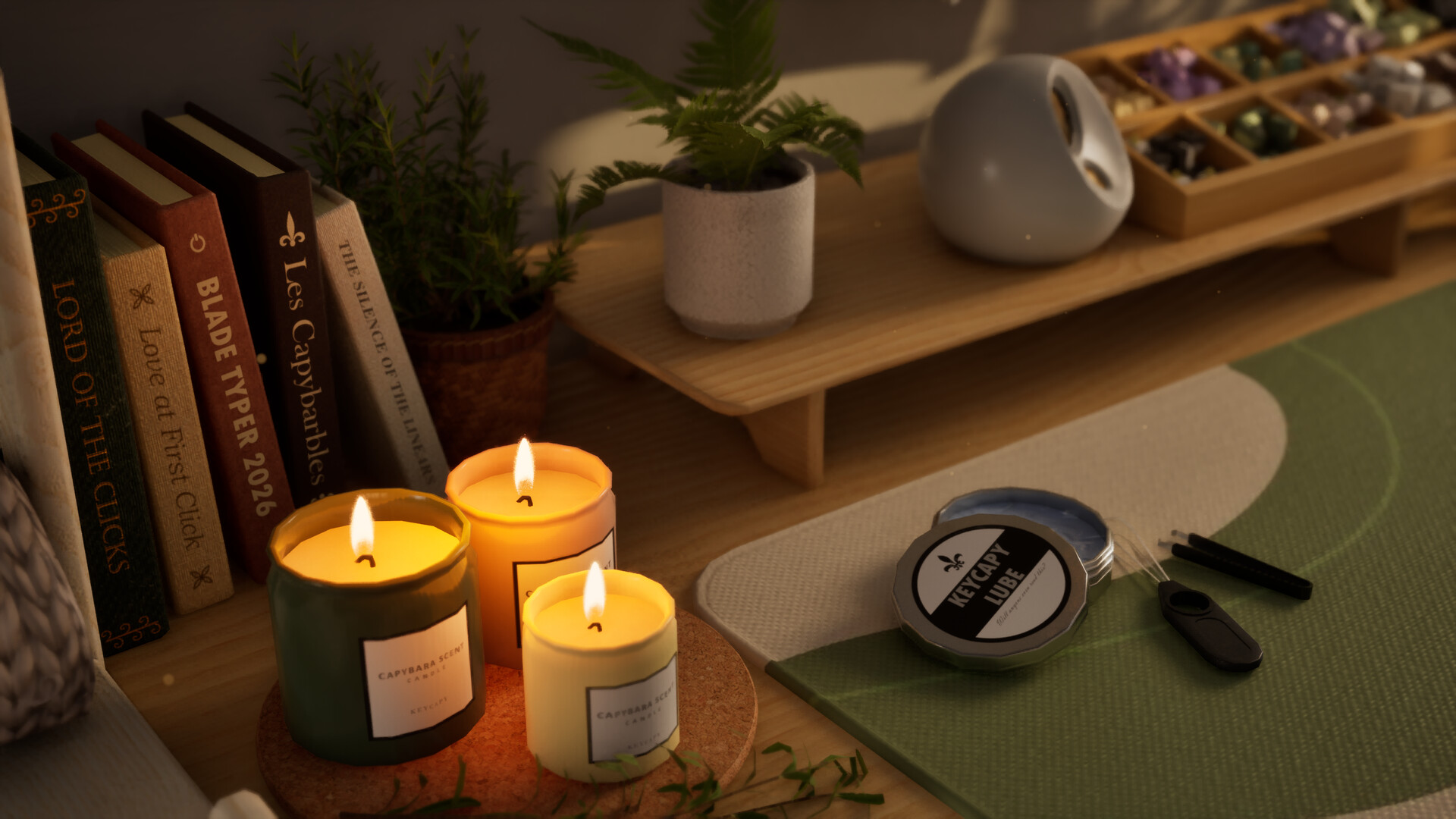
Different hours and different lighting line up with the store line that time of day changes. The shots do not label a season. The feature list still says seasons and weather change. That sentence is on Clients and workspace, separate from what a single frame can prove.
Verdict: Use these images to decide whether the tone is for you, then wishlist on the terms in Release date. Do not build a loadout from the picker prices. If you want a test build, the only signup is Playtest request, and these frames are not proof you have been invited.
FAQ
Are these from a playtest?
They are files on the Steam store page for the unreleased game, published as marketing art. A writer’s session is not the source of these frames.
How many official Steam screenshots are there?
Nine, all 1920 by 1080, plus the header and the announcement-trailer thumbnail.
Is the duck keyboard a required build?
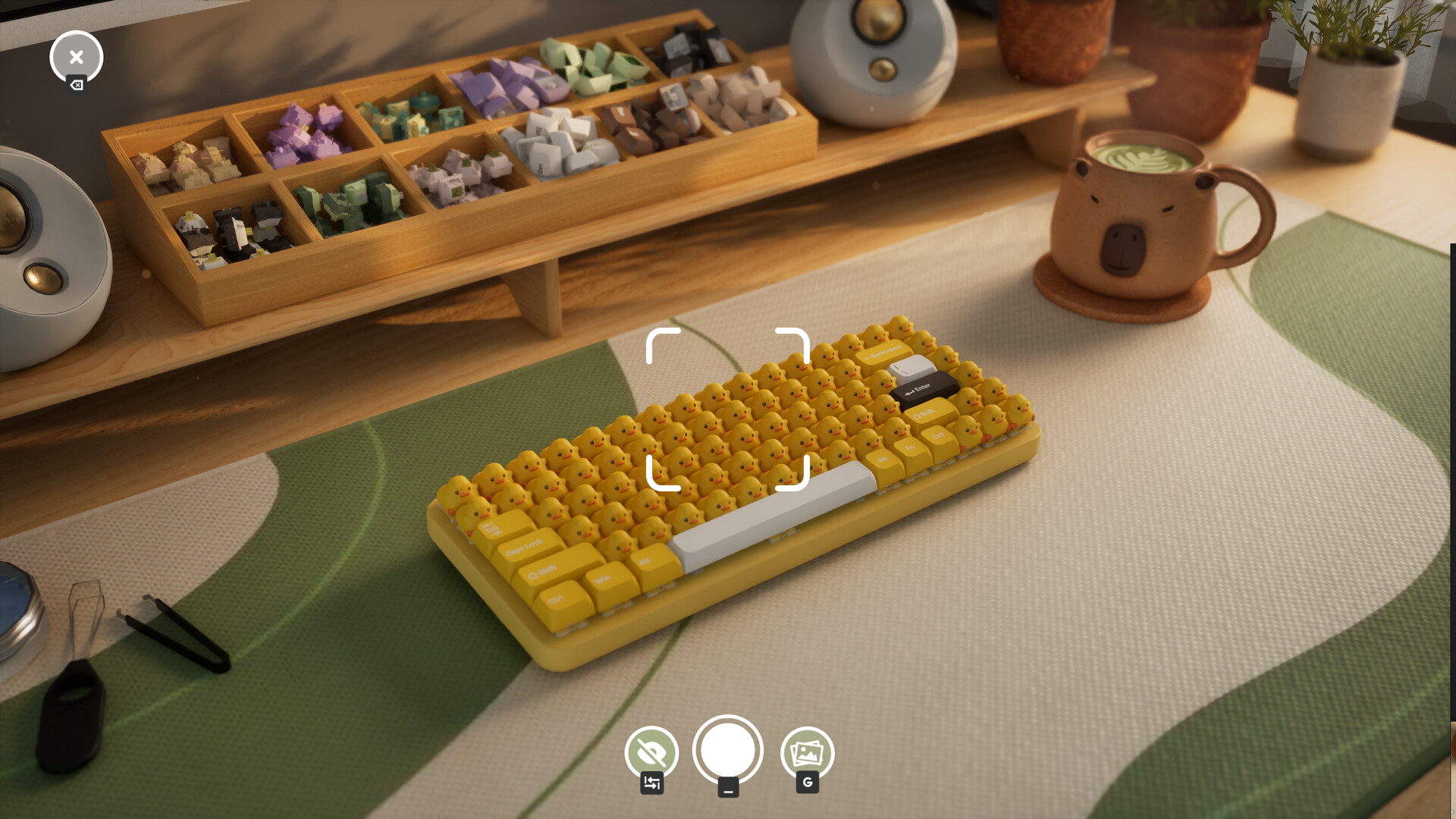
It is what one screenshot shows, next to a messages image where Muffin asks for ducks. The store does not publish it as a mandatory first order.
Where is the trailer hosted?
On the Steam app page as Announcement Trailer, and on YouTube under the title above. Both are linked from the developer page.
Sources: Steam movie 257491890, Steam screenshots, YouTube oEmbed, keycapy.com